Pricing
Log in Create a carousel

Carousel Maker & Generator for LinkedIn, Instagram & TikTok

The fastest way to create social media carousels.

Featured as a must-try AI tool

Turn anything into a carousel in seconds: an idea, a link, a PDF or a YouTube video. An AI ghostwriter writes every slide in your voice, and the design is done for you.

No sign-up needed to start. Just an idea.

Free, no sign-up
Try an idea

More options

Words

Design

Anything left on Auto is chosen for each carousel, and the editor shows what was picked.

Your free try picks these for you. With Pro you choose the writer, length, language, sources and more.

Unlock in Pro

One idea. Every kind of feed.

  • LinkedIn
  • Instagram
  • TikTok
  • Threads
  • X
  • YouTube Shorts

A little more you. Everywhere.

The shorter way to something great

From “I should post”
to “just posted.”

You bring the perspective. aiCarousels helps with the words, the layout and all the little things in between.

The aiCarousels editor: an idea is typed into a new carousel and the ghostwriter writes its six slides, one by one.

Less tweaking. More creating.

Open the editor

Ghostwriters

Your design has a style. Your words should too.

Pick who writes before anything gets written. Keep one voice across the carousel and its caption, then edit freely when a slide needs a different touch.

A different voice in every line

One line from six of them. Pick one to meet the writer.

19 writers, each with a voice of their own. Mia, Leo and Ava are free.

Get every writer with Pro

Why carousels

Why carousels work so well

People stop for them, swipe through them and save them for later. Here is what the current data shows, platform by platform.

  • They hold attentionEvery swipe keeps people on your post a little longer.
  • Room for a real ideaOne point per slide, instead of a wall of text.
  • They get savedUseful carousels are kept and shared, so they keep working.
  • They work everywhereNative on LinkedIn, Instagram and TikTok.

LinkedIn

Carousels outperform text-only posts.

1.67×

the engagement rate of text-only posts

Document carousels6.60%

Text-only posts3.95%

  • Read right in the feedPeople page through without leaving LinkedIn.

  • A full guide in one postRoom for one clear point per page.

  • More of the screenPortrait 4:5 pages fill the most of the feed.

Make a LinkedIn carousel

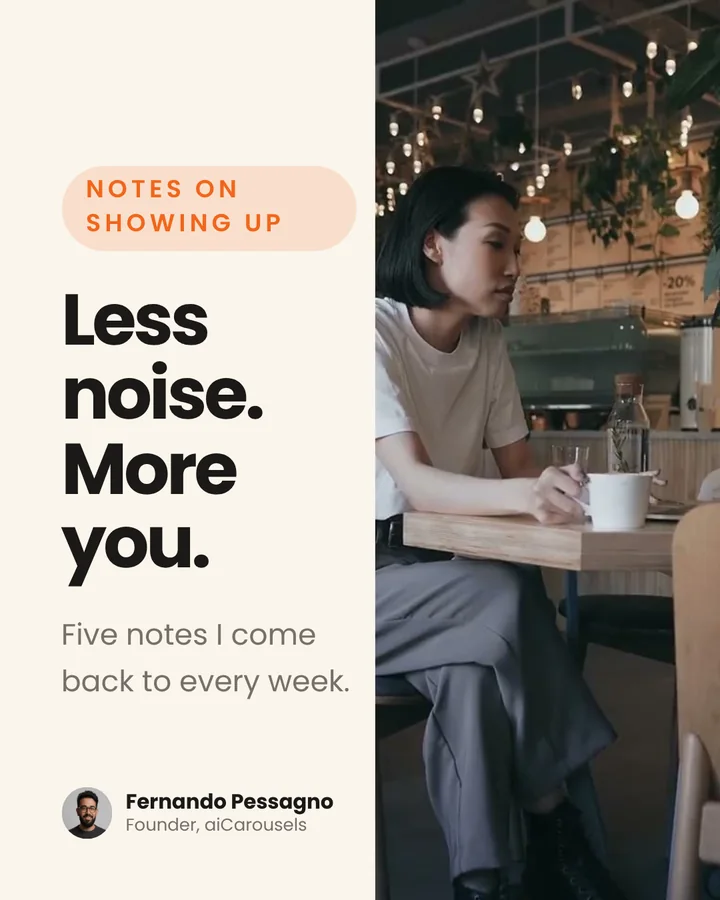
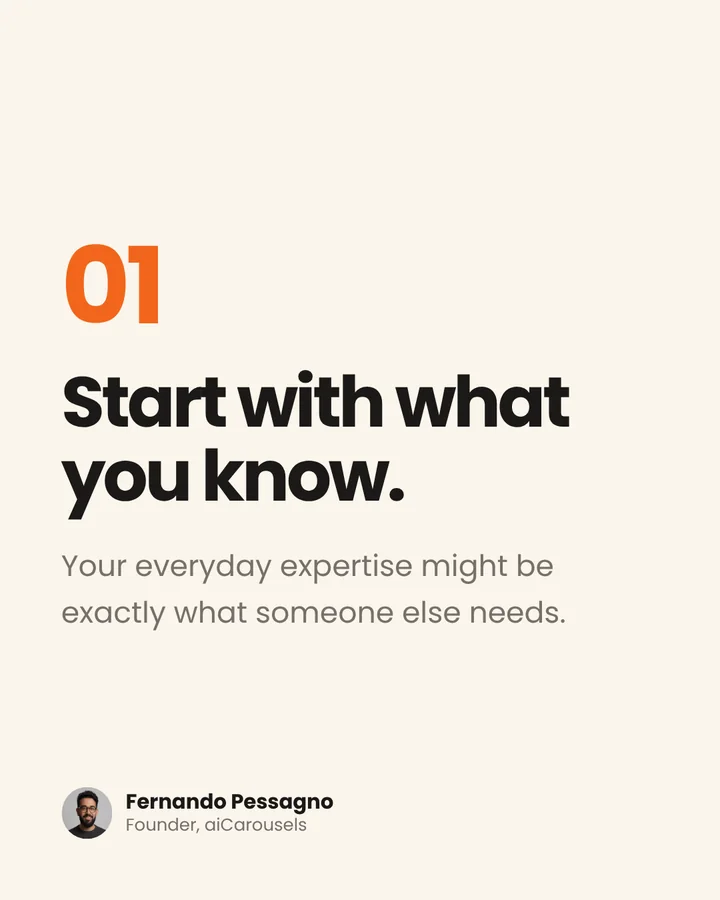
A LinkedIn document post: a five-page carousel made in aiCarousels, “Notes on showing up”, shown in the app’s phone preview.
Instagram

Carousels outperform single images.

1.52×

the engagement rate of single-image posts

Carousels0.50%

Single images0.33%

  • Up to 20 slidesEnough for a guide, a story or a checklist.

  • A cover for your gridYour first slide shows on your profile.

  • More of the screenPortrait 3:4 slides fill the most of the feed.

Make an Instagram carousel

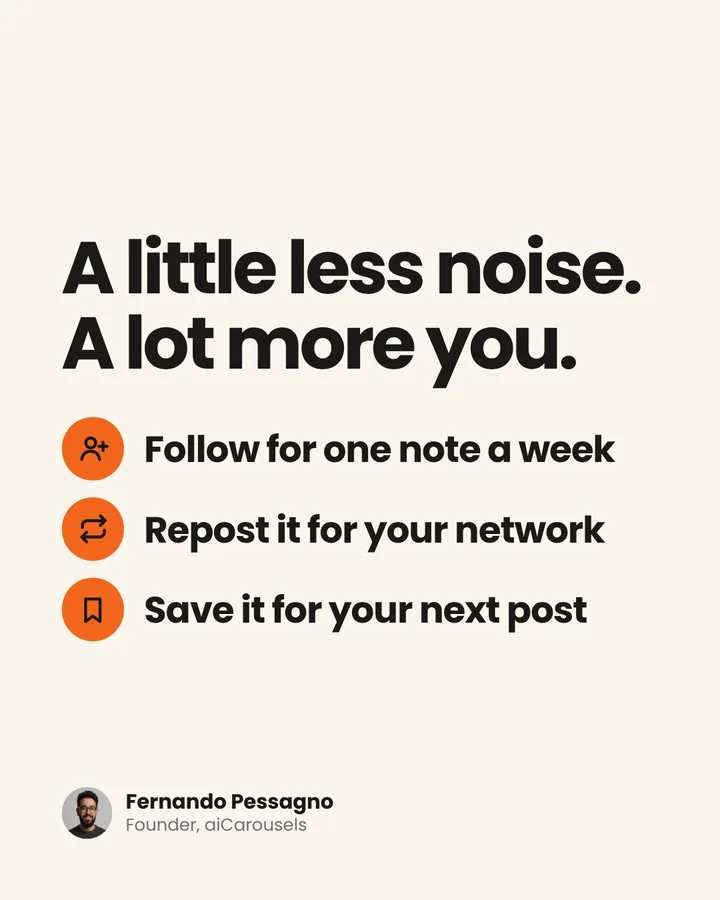
An Instagram carousel made in aiCarousels, “A little space to think”, five slides, shown in the app’s phone preview.
TikTok

Photo carousels are growing faster than video.

+140%

more photo and carousel posts on TikTok in a year

Photo and carousel posts+140%

Video posts+72%

  • In the For You feedPhoto posts show up right next to videos.

  • 81% more engagementCarousels beat videos in a study of 700,000 TikTok posts, early 2025.

  • Up to 35 photosRoom to go step by step, with a sound if you like.

Make a TikTok carousel

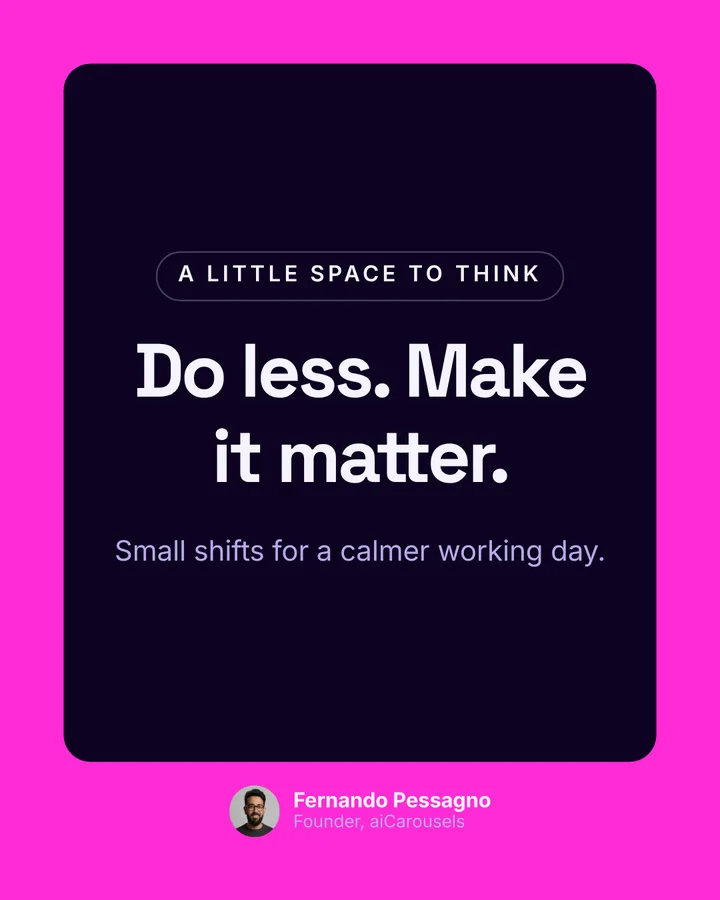
A TikTok photo carousel made in aiCarousels, “Make good ideas go further”, five slides, shown in the app’s phone preview.
Keep scrolling to swipe through each carousel.

01 / 03

Also made for

The same slides, resized for Threads and X, or turned into a short video with music.

  • Threads
  • X
  • YouTube Shorts
  • Reels
Create yours

More than carousels

Carousels, image posts and videos. One look.

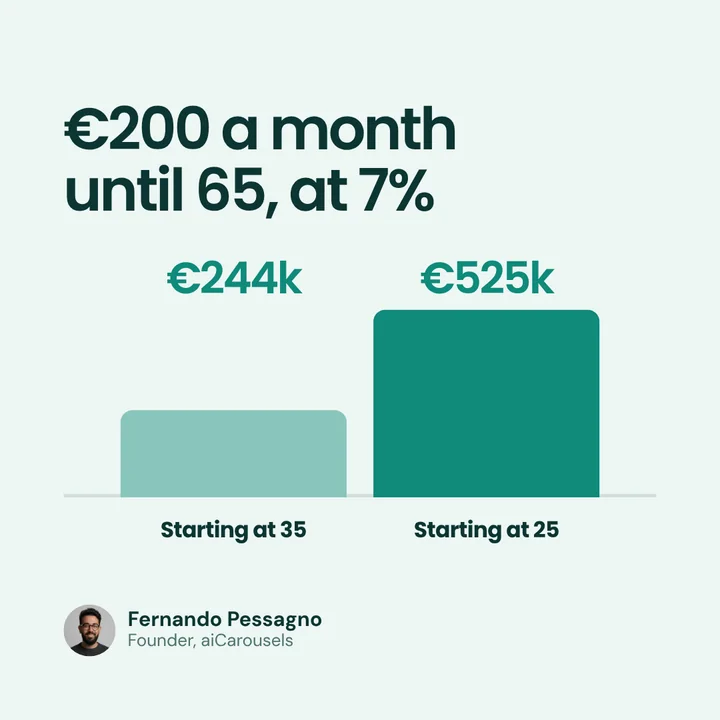
Pick the same theme for each, and your brand kit signs every one, so a carousel, an image post and a video post all look like they came from the same brand.

Personal/Money basics Theme ·Coral Studio Bricolage Grotesque Brand kit ·Fernando
Same theme. Three formats. Brand kit appliedBrand kit 1080 × 1350
Image post1080 × 1080
Layout · Two-bar comparison
Carousel1080 × 1350
01 / 06
Video post1080 × 1920
00:00 / 00:08
Theme
95 themes in the app

Carousels

Up to 20 slides on Pro, for LinkedIn, Instagram, TikTok and Threads.

Image posts

Quotes, stats and announcements: one idea, several designs.

Videos

Your slides, in motion, for Reels, TikTok and Shorts.

Create all three for free

No sign-up needed to start.

Layouts for every kind of slide

A little inspiration goes a long way.

Hooks, lists, steps, charts, quotes, mockups and more. Every layout works with every theme, so pick a look below and watch them all change at once.

Categories

Every layout works with every theme, and with your own brand kit.

Describe the slide you need and AI builds the layout. It saves to My layouts, ready for any theme.

Chrome extension

Save any carousel.
Copy its style.

Right-click a post you like on LinkedIn, Instagram or TikTok. It lands in your Inspiration with every slide. Then turn its look into a theme of your own.

Works on

A short demo. In Chrome, someone right-clicks a carousel on LinkedIn and picks aiCarousels, then Save carousel + text. It is saved to Inspiration as a carousel with all 5 slides. In aiCarousels they choose Use its style: the colours and fonts are pulled out of that carousel, their own slide takes on the new look, and they save it as a theme. We copy the design, never the words or pictures.

Save in one right-click

The carousel and its text, the carousel only, or just the words. Every slide comes along.

Copy the style as a theme

We pull out the colours and fonts, so your next carousel has that look with your words.

Make it your own

Use one of its slides as a layout, or let your ghostwriter write your own take on the idea.

  • Your saves stay in your browser. The extension never posts for you, and it only runs when you right-click.

Caption, check, post

Your caption is already written. Post it from the same place.

Your ghostwriter writes the caption with your slides, in the same voice. Change a word if you like, then post it to LinkedIn or download it for the rest.

LinkedIn preview

Fernando PessagnoNow ·

A personal brand should make it easier to sound like yourself. Not more polished than yourself.…more

Less noise. More you. A personal brand that sounds like you.
01: Write the way you talk.
02: Share what you’ve seen first-hand.
03: One idea per post.
04: Show up on a rhythm you can keep.
Save this for the next time you write. Follow for more notes on showing up.
1/6

Ready to post?

  • 6 slides, in order
  • Text is readable on a phone
  • Caption written by Mia
488 / 3,000
A personal brand should make it easier to sound like yourself. Not more polished than yourself. The best posts start when you stop asking “what performs?” and start asking “what do I actually believe?” Four small shifts that made my content feel more like me: → Write the way you talk → Share what you’ve seen first-hand → Keep it to one idea per post → Show up on a rhythm you can keep Save this for the next time you sit down to write. #PersonalBrand #ContentStrategy #LinkedInTips
Written by Mia to match your slidesWritten by Mia

Create your first post free

No sign-up needed to start.

Everything else you need

Small details. Big difference.

The things that make posting every week feel easy, built into every carousel, image and video.

Brand kit

Brand kits

Your logo, colours, fonts and writer, saved once and used everywhere.

Smart text fit

Text resizes to fit as you type, and tells you when the words are too long for their box.

Ask AI to change anything

Ask for a punchier hook or a shorter slide, and see the before and after.

AI pictures in your theme’s style

A picture made for each slide, illustrated, in 3D or as a photo.

Start from anything

A sentence, a link, a PDF, your notes or a YouTube video.

Export as

Export and preview

PDF, PNG and MP4, with a preview of how it looks on each platform and a ready-to-post check.

Loved by people who post

The first AI carousel maker. Still getting better.

Making AI carousels since 2023. Here is what customers wrote in their reviews.

“Super slick product, gets better by the day”

Michael HeapaiCarousels customer

“The software is good, the support amazing!”

Chiara DragonettiaiCarousels customer

“Absolute game changer!”

Elizabeth GreeneaiCarousels customer

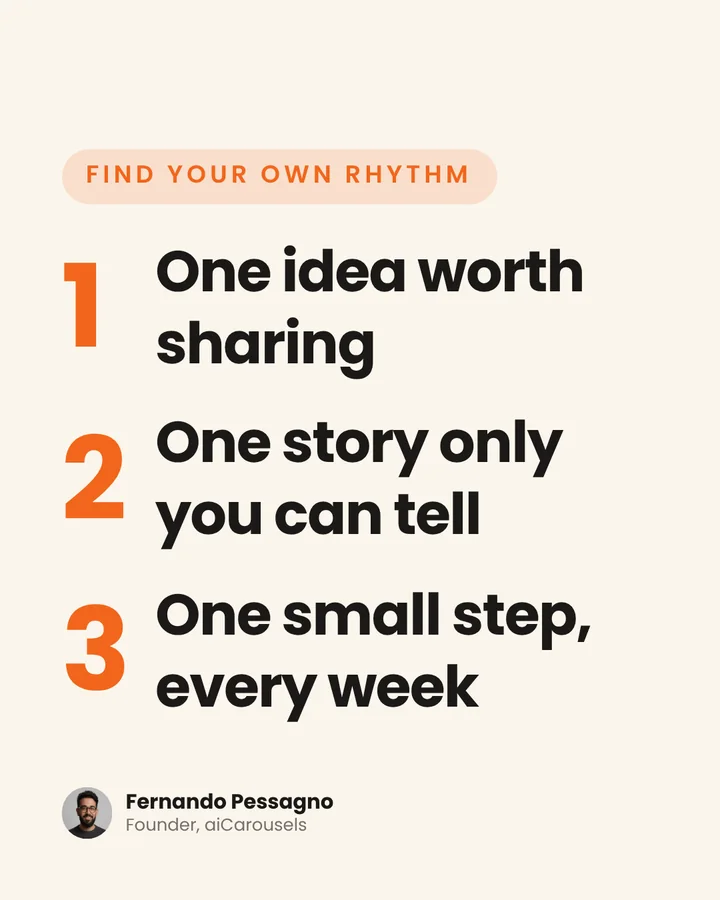
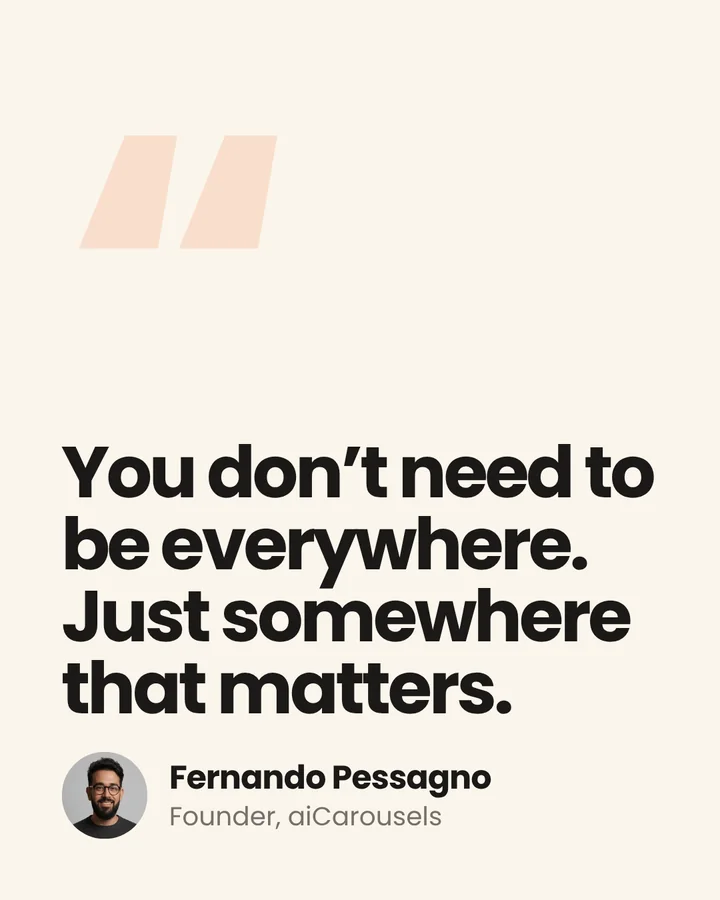
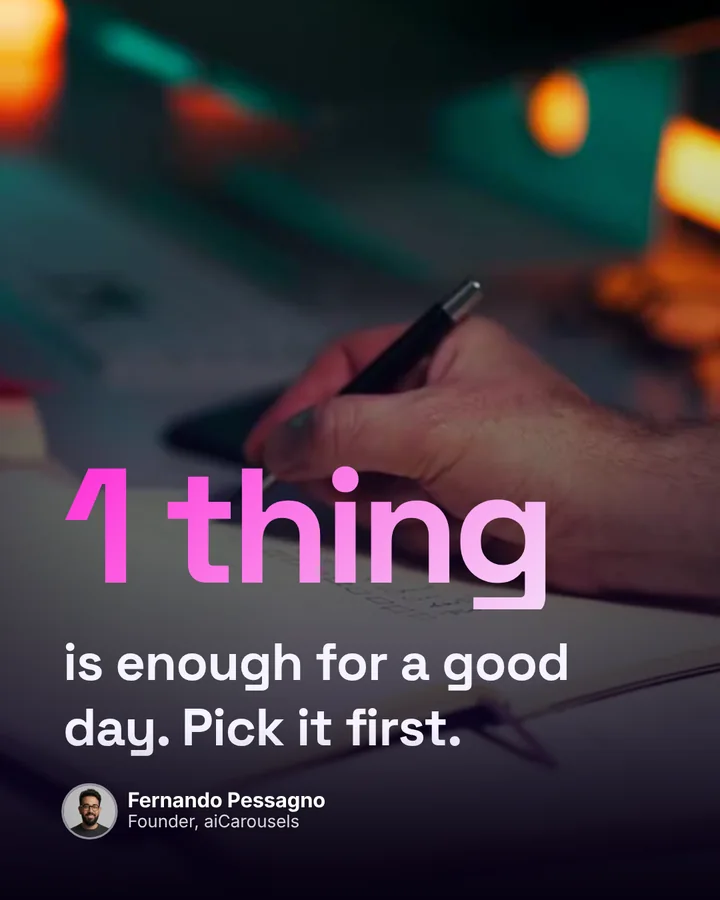
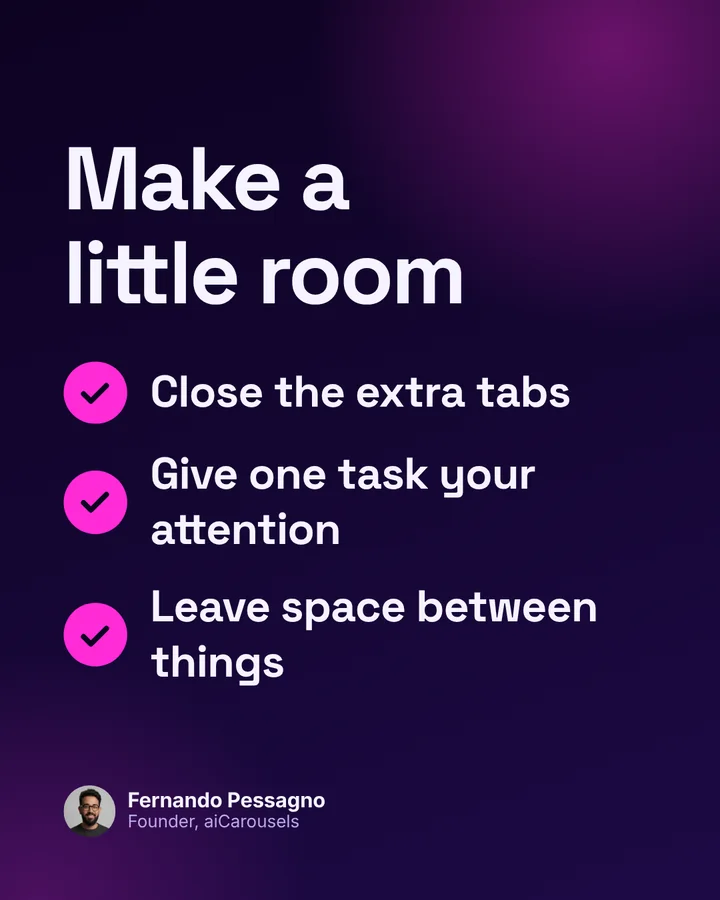
Every slide here was made in aiCarousels, each in a different theme.

Create a carousel

Pricing

Start free.
Upgrade when it clicks.

No card needed to start. Cancel any time.

Free

Try aiCarousels

Free

No card needed

Start free

Free includes

  • Free AI carousels to try, written for you, then yours to edit
  • 3 ghostwriters: Mia, Leo and Ava
  • The 173 free layouts and the free themes, for covers, lists, quotes and steps
  • PDF and PNG downloads for LinkedIn, Instagram, TikTok, X and Threads, with a small mark
  • Post to LinkedIn in one click
  • Projects saved in this browser

Pro

Most popular

For creators and founders

$10 a month

$120 billed yearly. You save $60.

Get Pro

Pro includes

  • AI carousels every month, plus AI edits: rewrite, shorten, captions, Ask AI
  • All 19 ghostwriters, from founder stories to satire
  • All 304 layouts and every theme, charts, mockups and timelines included
  • AI pictures made for your slides
  • Up to 20 slides and no watermark on any download
  • Brand kits with your colours, fonts and voice
  • Video export for Reels, TikTok and Shorts
  • Projects in your account, on every device

Team

For agencies and teams

$39 a month

$468 billed yearly, for 5 people

Get Team

Everything in Pro, plus

  • 5 seats, one bill
  • More AI each month for the whole team, shared
  • A writer and brand kit per client, so every account sounds like itself
  • Secure checkout
  • Cancel any time
  • Try it with no sign-up

Questions

Good to know.

Short answers to what people ask before their first carousel.

Still curious?Write to us
Is aiCarousels free?

Yes, to start. Try it on one idea with no sign-up. Depending on where you are, a free account then gives you more AI carousels to try, 3 ghostwriters, the free layouts and themes, and PDF and PNG downloads. Pro is there when you want the rest.

Do I need to sign up to try it?

No. Type an idea at the top of this page and your first carousel is written and designed for you. Create an account when you want to keep going.

What are ghostwriters?

AI writers, each with a voice of their own. Pick one and it writes your slides and your caption in that voice, from warm and clear to bold founder stories. Mia, Leo and Ava are free. Pro adds all 19.

Which platforms can I post to?

LinkedIn, Instagram, TikTok, Threads, X and YouTube Shorts, each in the right size, with a preview of how the post will look. Post to your LinkedIn profile in one click. For the others, download the PDF or PNG files and follow the short steps to post them.

Can I use my own brand colours, fonts and logo?

Yes. Save them in a brand kit, along with your voice, and every carousel and image post picks them up. You can still change anything on a single slide.

Can I make videos and single image posts too?

Yes. Carousels, image posts and videos come from the same idea, in one theme, so your feed looks like one brand wherever it shows up.

Can I post straight to LinkedIn?

Yes. Your ghostwriter writes the caption with your slides; check it, then post to your LinkedIn profile in one click, or pick a day and time and it posts itself. It posts to personal profiles, not company pages.

Which languages can it write in?

Carousels and captions can be written in 27 languages, from English and Spanish to Polish and Turkish. Pick one, or let it match the language of your text.

Who owns what I make?

You do. The carousels, captions and pictures you make are yours to post and reuse wherever you like.

Make your next carousel.

Enter your idea and create your first carousel.

Welcome back: open the editor and pick up where you left off.

Free, no sign-up
Try an idea

More options

Words

Design

Anything left on Auto is chosen for each carousel, and the editor shows what was picked.

Your free try picks these for you. With Pro you choose the writer, length, language, sources and more.

Unlock in Pro
  • Free to try
  • Written and designed for you
  • Edit every word