



Carousel ideas for freelancers and consultants
Each one shows a client what working with you is like.
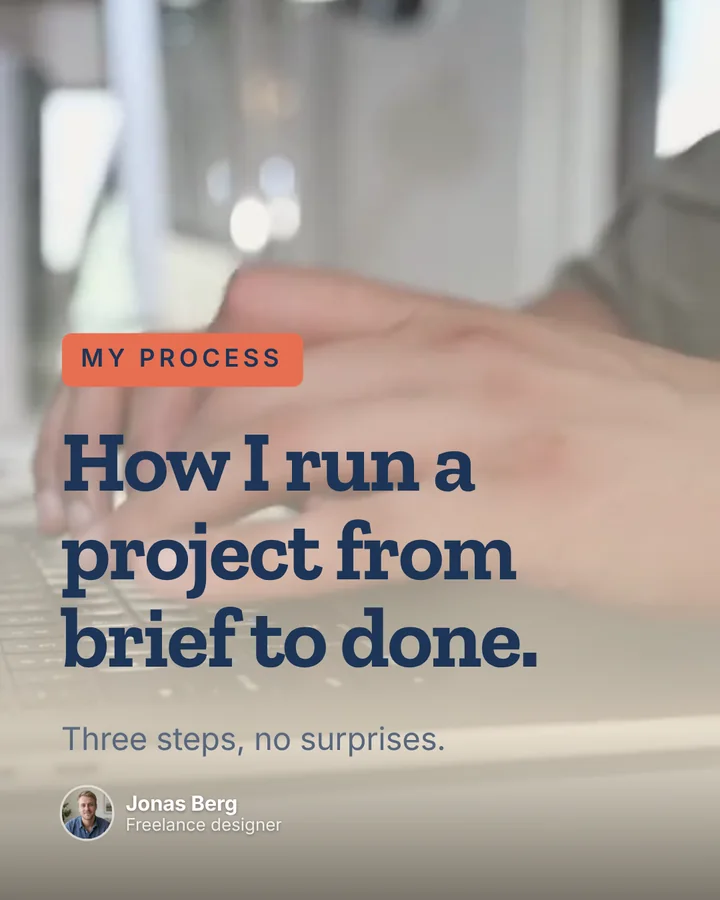
Your process
How a project runs from brief to hand-off. It answers the questions clients ask before they hire.
Lessons learned
What you’d tell someone starting out. Other freelancers share it, and clients see you know the job.
An opinion on your craft
Something your field gets wrong. A clear view is easier to remember than a portfolio.
A checklist
The checks you run on every project, in slides people save.
Questions clients ask
Answer one per carousel. It saves you the call, and brings the right ones in.
Open for work
What you do, who it’s for and how to reach you, on one clear last slide.
A post between projects, not instead of them
Set your voice once, then make a carousel whenever an idea comes up.
- 01
Save your voice and services once
In Brand kits, choose Person, pick the writer closest to how you talk, and list Facts the AI can use: what you do, who it’s for, what you can prove. Under Call to action, write how people should reach you.
- 02
Type the idea, or start from what you have
Type it on Home, or click Add a source to start from a PDF, a link, a YouTube video or your notes. Pick a shape under More options › Format, then Generate. See how it works.
- 03
Change anything, in words
Click any text to edit it, or ask the AI: “shorter”, “more direct”, “add an example”. Swap a slide’s layout in one click, and the caption is written in the same voice.
- 04
Post it, or download it
Post to LinkedIn sends it to your own profile as a document people swipe, with the caption, on Pro and Team. For Instagram, TikTok, Threads and X, download it ready-sized. See Post to LinkedIn.


