Quick Guide to Using aiCarousels
Read more ->
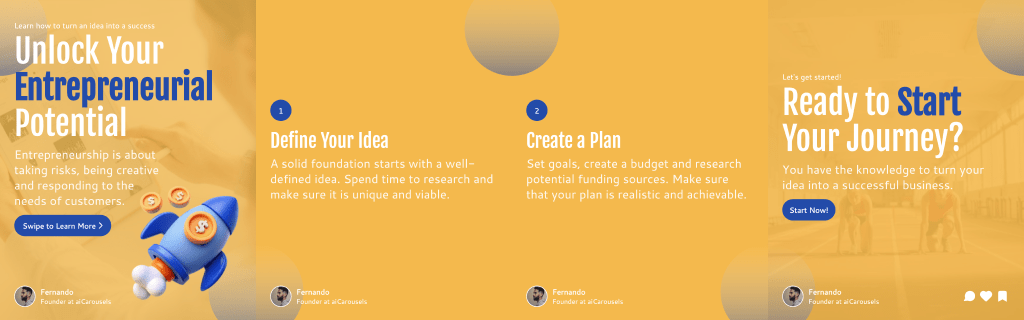
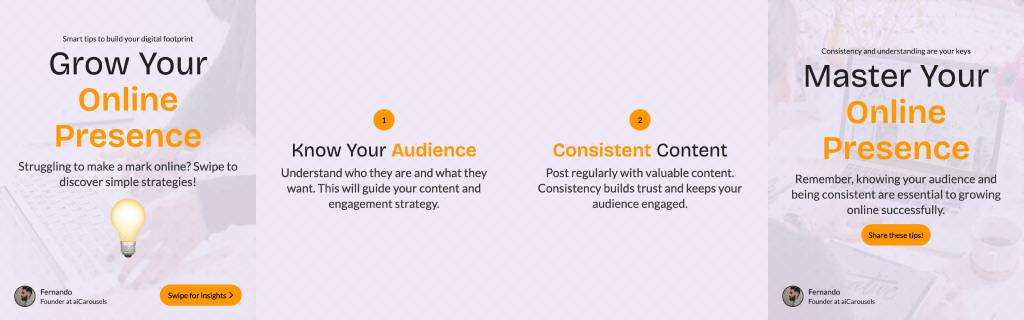
For LinkedIn, Instagram & TikTok.
No Sign-Up required!
We built aiCarousels to be the fastest, most specialized tool for LinkedIn and Instagram carousel creation. Our goal is to save you hours of "pixel pushing" by automating the design process.
However, we know that different creators have different needs. Maybe you need complex vector editing, offline access, or full slide presentations.
If you are looking for an alternative, here are the top 5 alternatives in the design space that might fit your specific workflow.
Canva is the industry giant for general graphic design. While aiCarousels is specialized for speed and social performance, Canva offers total creative freedom.
The Trade-off:
Canva has millions of stickers and elements, which is great for flyers or birthday cards. However, for LinkedIn carousels, this often slows you down. You have to manually resize text, ensure consistency across slides, and handle your own copywriting. It is a great alternative if you want to design "from scratch" and have hours to spare.
If you feel limited by templates and want absolute control over every pixel, vector, and layer, Figma is the industry standard.
It is a professional UI/UX tool. The learning curve is steep, and there is zero automation—you have to build everything yourself. But for designers who want to create highly custom, intricate assets that no template can match, Figma is the best alternative.
This is the #1 alternative if you are leaving aiCarousels because you actually need to build Slide Decks rather than social media posts.
GeneratePPT.com is essentially the "aiCarousels for Presentations."
Why it's a great choice:
If you want the speed of aiCarousels but for business presentations, GeneratePPT is the answer.
The classic. If you need to work on a plane without internet, or if your company strictly blocks web-based tools, PowerPoint is your safest bet.
It lacks the viral hooks, AI writing, and social-first templates of aiCarousels, and it can feel clunky for modern social media formats. However, it is reliable and installed on almost every computer.
If you don't want a generator but just want a massive library of Photoshop or Illustrator files to download, Envato is the place to go.
You will need external software (like Adobe CC) to edit them, and you won't get any AI assistance for writing or formatting. But if you prefer buying a "pack" of 50 templates and editing them manually on your desktop, this is a solid resource.
If you are looking for an alternative because you need a specific feature (like offline mode or vector editing), these tools are fantastic.
However, if your goal is to grow on LinkedIn and Instagram, aiCarousels remains the specialized champion:
And remember, if you need that same "No-Drag" magic for your pitch decks, check out GeneratePPT.


More from the blog